Running a Common Service Centre (CSC) or an Internet Cyber Cafe requires dealing with hundreds of digital documents every week. From applying for a new PAN card to submitting a state scholarship form, the biggest hurdle operators face is not the form itself, but the strict document upload guidelines.
In this comprehensive guide, we will break down the precise formatting requirements for India's most popular portals and explain how you can overcome "File Size Exceeded" or "Invalid Dimensions" errors instantly using the Smart CSC Tool.
1. Demystifying PAN Card Formatting: UTI vs. NSDL
The two primary portals for PAN card applications in India are UTI Infrastructure Technology and Services Limited (UTIITSL) and NSDL (Protean). While both issue the same PAN card, their digital upload requirements are notoriously different and extremely strict.
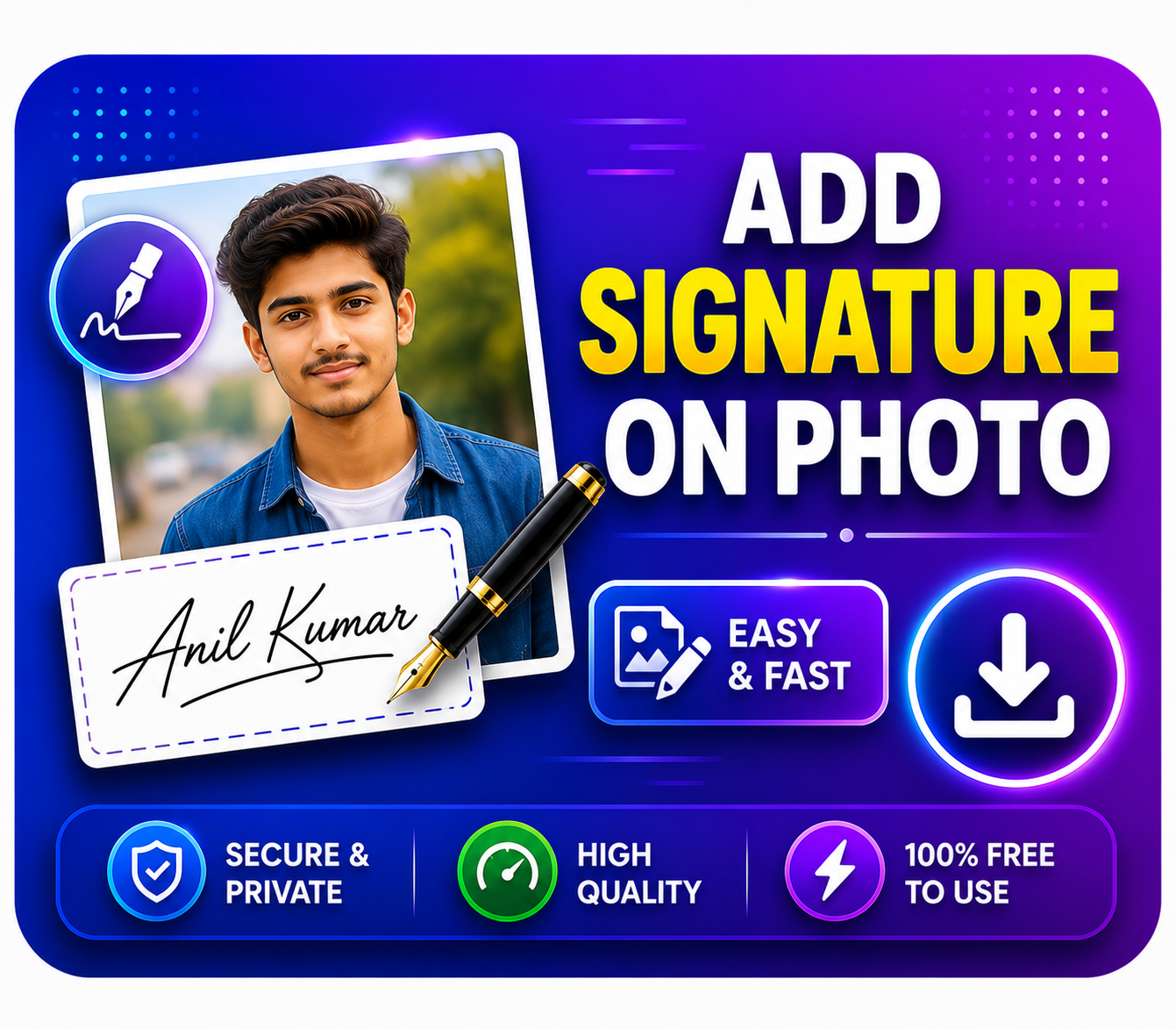
- UTI Portal Requirements: The photograph must be exactly 213 x 213 pixels, scanned at 300 DPI, and the file size must be under 30 KB. The signature must be scanned at 600 DPI, in black and white, and under 60 KB.
- NSDL Portal Requirements: The photo must have a dimension of 3.5 cm x 2.5 cm, with a max file size of 50 KB. The signature needs a dimension of 2 cm x 4.5 cm, also capped at 50 KB.
Manually editing these attributes in Photoshop takes extensive technical knowledge. Our UTI Photo Resize Tool and NSDL Photo Resize Tool automatically convert any standard passport photo to these exact specifications with a single click, completely eliminating rejection risks.
2. The Challenge of PDF Compression
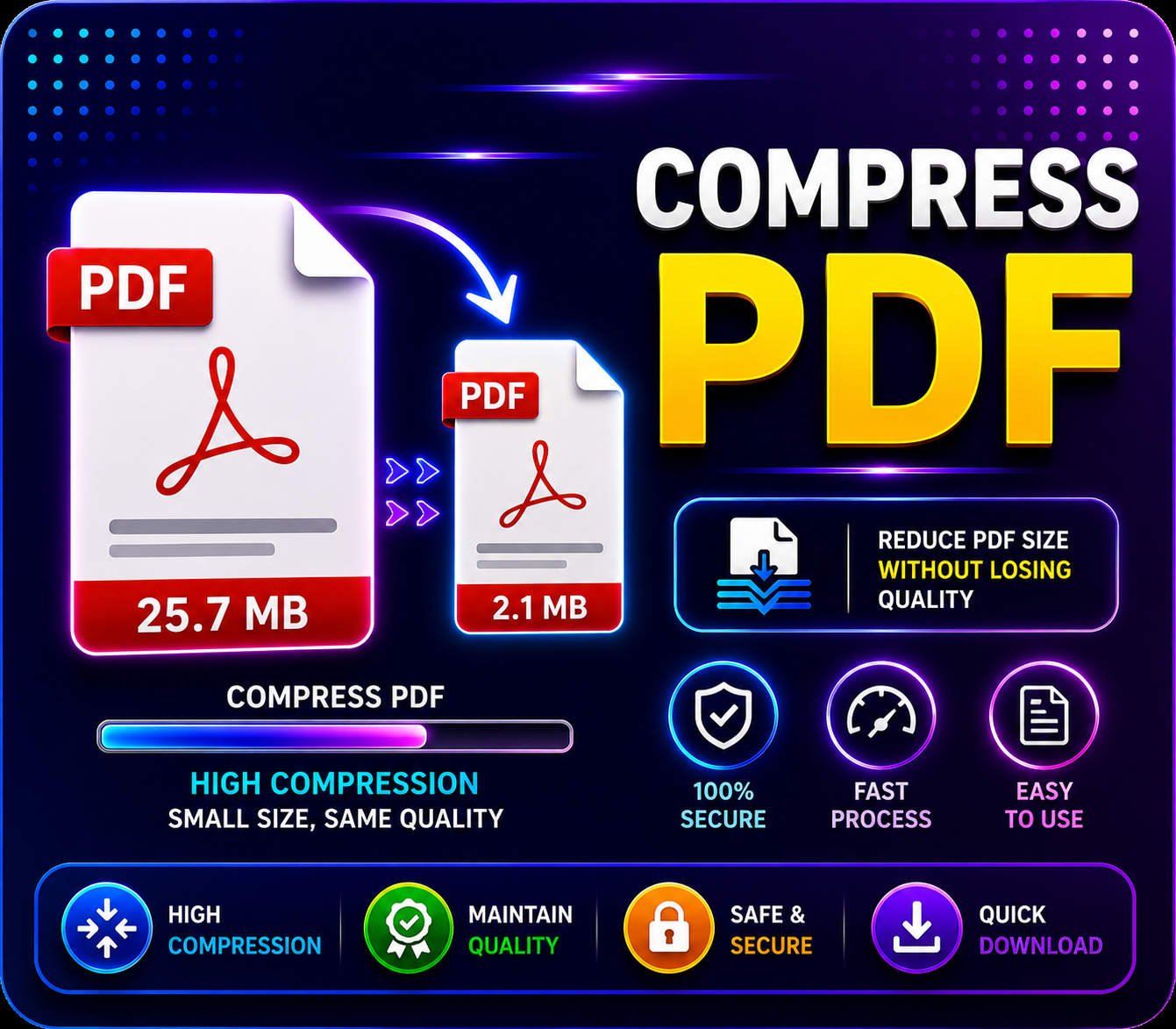
When applying for passports, E-Shram cards, or government tenders, users are often required to upload multiple supporting documents (like Aadhaar, Marksheets, and Bank Passbooks) as a single PDF file. The catch? The portal usually restricts the upload limit to 1MB or 2MB.
Scanning 4-5 pages at a readable resolution easily creates a 5MB+ PDF. Attempting to upload this results in a timeout error.
To fix this, our PDF Compressor Tool uses advanced lossless compression algorithms. It strips away unnecessary metadata and downsamples background layers while keeping the text and official stamps perfectly clear. You can reduce a 5MB PDF to under 500KB in seconds, directly from your browser.
3. PVC Card Printing Made Easy
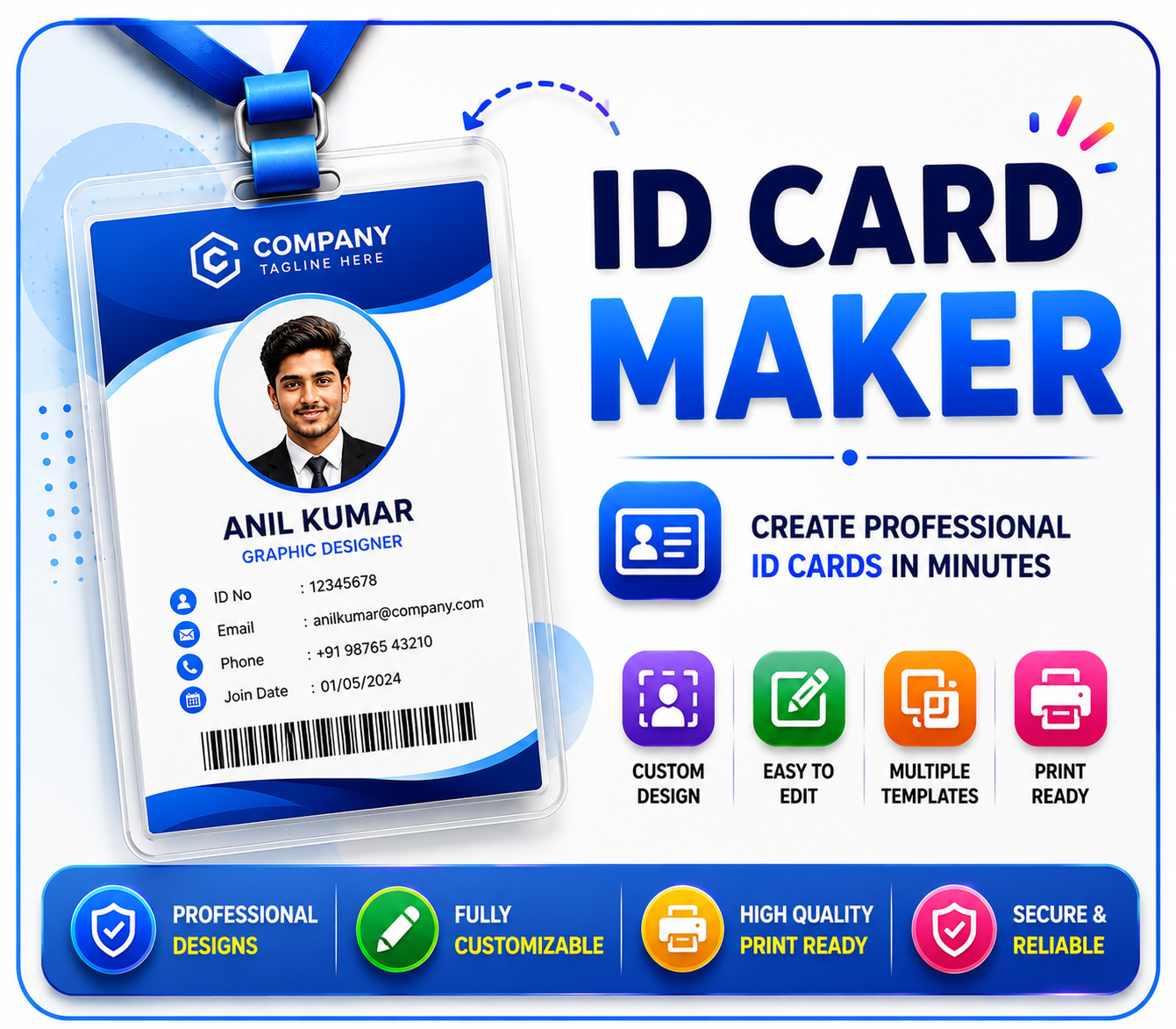
Customers frequently request physical printouts of their digital IDs (Aadhaar, Voter ID, Ayushman Card) on hard PVC plastic cards. Standard thermal PVC printers require the digital file to match the CR80 card size (86mm x 54mm) perfectly. Printing directly from an A4 PDF leads to misalignment and wasted PVC blanks.
With the PVC Card Print format tool, you can upload the digital snapshot of the ID, and our system will instantly arrange it into a print-ready CR80 format with bleed margins. This saves money on wasted PVC cards and delivers a highly professional ID card to your customer.
Conclusion
Time is money for a VLE. By utilizing dedicated, automated formatting tools instead of manual editing software, you can serve more customers per hour and ensure a 0% rejection rate on online forms. Bookmark the Smart CSC Tool homepage on your browser to access all these premium utilities completely free of cost.